Digital vs Paper Planner: An Honest 2026 Take
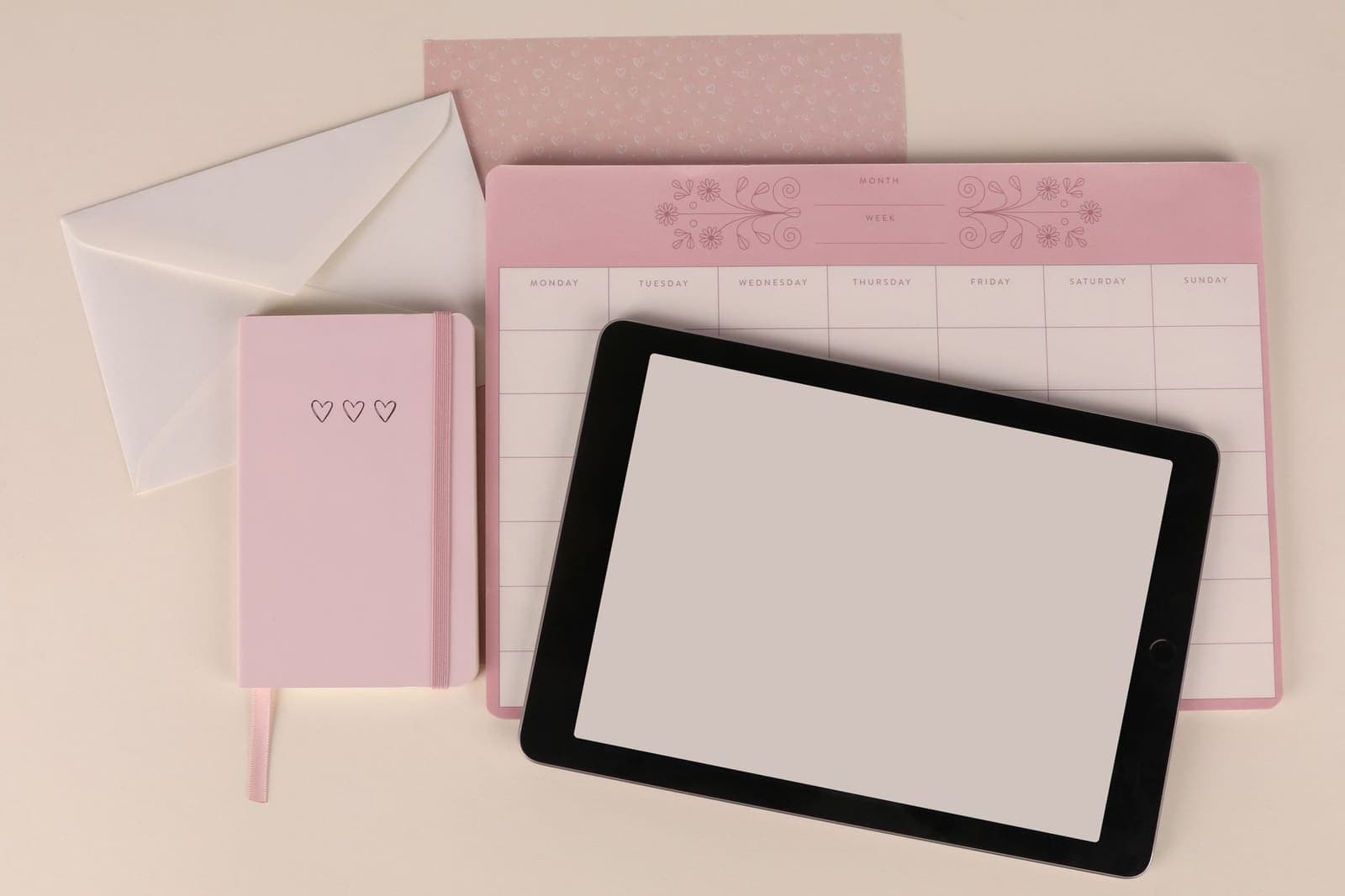
The Planner-Switcher Trap
You probably know this pattern. You start the year with a beautiful paper planner: thick paper, good ink, satisfying checkbox squares. By March, you're annoyed that you can't search it or move things around. You switch to an app. By May, you miss the feeling of writing by hand. You buy another notebook.
The digital vs paper planner debate sits at the center of this loop. People treat it as a values question, analog purists on one side, productivity-app enthusiasts on the other. But the more useful question is narrower: what job are you hiring a planner to do, and which format actually does that job?
I've used both for years. This is what I've learned about where each one actually wins, and where they quietly fail.
What Paper Actually Does Well
Paper has one killer advantage that no app has matched: there's nothing to configure.
You open it, you write. No sync issues, no subscription prompts, no dark pattern asking you to upgrade for a feature you've been using for free. The friction is nearly zero once the book is in front of you.
There's also decent research behind the hand-writing benefit. A 2014 study from Princeton and UCLA found that people who took notes by hand understood material better than those who typed, likely because writing by hand forces some processing, not just transcription. Whether that transfers to planning tasks is debatable, but a lot of people report that writing something down feels more like a commitment than typing it.
Paper planners also have no notifications. No banner asking you to review last week's goals. That's either a bug or a feature depending on how you work.
Where paper falls apart:
- Plans change. Moving a task from Tuesday to Thursday in a paper planner means crossing out, rewriting, or using a cramped margin. Do this enough times and the page becomes unreadable.
- You can't carry context. If you want to attach notes, a reference doc, or a link to a task, you're either writing it out in full or hoping you remember where it lives.
- Search is your eyes. Finding something you wrote six weeks ago requires flipping through pages.
For people whose weeks are fairly predictable and who plan in broad strokes rather than precise scheduling, paper works well. For anyone managing moving parts, deadlines that shift, tasks that grow into subtasks, anything collaborative, it gets painful fast.
What Digital Planners Actually Do Well
The obvious wins are flexibility and search. You can drag a task from Monday to Friday in three seconds. You can type a keyword and find that thing you noted three months ago. You can set a reminder and not worry about whether you'll flip to the right page at the right time.
But the less obvious win is structure. A good digital planner can show you the whole week at once, with each task broken into the actual steps that need to happen. Not just "finish report" as a single item, but the five smaller pieces it requires. That's hard to do on paper without a lot of planning overhead.
Weekloom is built around exactly that idea. It's a personal Gantt chart: tasks run down the left side, days run across the top, and each task breaks into checkable steps. You can see in one view which tasks are running across which days, where things are piling up, and whether Wednesday is quietly holding four things that each need two hours. That kind of week-level visibility is hard to get from a paper planner unless you're a very disciplined designer of your own spreads.
Digital planners also handle recurring tasks without effort. Setting "review emails" to show up every Monday morning takes ten seconds. On paper, you write it every week or leave a confusing symbol system for yourself.
Where digital planners fall apart:
- The app becomes a destination problem. If your planner lives in a tab you have to open, it's invisible until you remember to look at it. Paper sits on your desk and stares at you.
- Feature bloat is real. Many digital tools are built for teams and project managers, not individuals. You end up with fields, tags, priorities, and statuses that nobody asked for.
- Switching apps is expensive. Your history, your system, your habits all live in the app. Leaving means starting over.
If you're curious what a stripped-back digital planner looks like in practice, the Weekloom demo shows the whole thing without requiring an account.
The Best Planner Type for Different Situations
Rather than picking a winner, here's how to think about which one fits which context.
When paper tends to win: You have a calm, consistent week structure. You plan at one fixed time (say, Sunday evening) and rarely need to revise mid-week. You think better when you physically write. You work somewhere without easy screen access. You're using a planner primarily for reflection, not execution tracking.
When digital tends to win: Your week is dynamic. Meetings move, tasks shift, priorities change day-to-day. You have tasks that span multiple days or weeks and need to see how they relate to each other. You want a record you can search or review without leafing through a notebook. You're coordinating with anyone else, even loosely.
When the hybrid approach works and when it doesn't: A lot of people land on "paper for daily notes, app for task tracking." This works if the two systems don't need to talk to each other. It breaks down when you're duplicating work, writing something in your notebook, then entering it into your app, then updating your app when things change. That's three touches on the same task, and it quietly drains a lot of time.
If you're going hybrid, keep them for different jobs. Paper for thinking and capturing; digital for planning and tracking. Don't use both as planners for the same week.
For a more detailed look at how weekly planning works when you actually commit to a system, this piece on building a weekly planning routine covers how to make it stick past the first two weeks.
The Planner Comparison Nobody Talks About
Most digital vs paper planner comparisons focus on features. Paper is tactile, digital is searchable, and so on. What they miss is the completion feedback loop.
Paper planners are satisfying to finish. Drawing a line through a task, closing the book at night, these feel like endings. Apps vary wildly here. Some have decent completion animations, most don't, and many tasks just disappear into a "completed" archive that nobody reads.
This matters more than it sounds. A 2011 study on goal completion found that visualizing task completion reduces motivation to actually finish. The "completed" feeling comes too early. Whether your planner's feedback loop reinforces or undermines momentum is worth paying attention to.
Weekloom handles this at the step level. Checking off individual steps on a task gives smaller feedback loops within a bigger task. You get the completion satisfaction without declaring the whole thing done before it is. That's different from a single checkbox per task, and it matters if you're working on anything that takes more than an afternoon.
The other underrated factor: what happens when your week breaks down? Paper planners look like a crime scene after a bad week. Crossed-out things, stuff moved to the margins, nothing quite matching what you planned. Digital planners let you quietly reschedule and pretend nothing happened. That's either freeing or a way to never confront why your plans keep slipping. Related: how to get back on track after a week falls apart if you find yourself doing this often.
So Which One Should You Use
My actual take, after years of switching: the format matters less than whether you look at it every day.
A paper planner you open every morning beats a digital planner you check twice a week. A digital planner with solid week-level structure beats a paper notebook where Monday and Friday look identical.
If you want to try a digital approach that doesn't require configuring a project management system, Weekloom is built for personal weekly planning specifically. Tasks, steps, and days. Nothing more complicated than that.
If you want to go deeper on how to structure a week that actually works, planning your week in 30 minutes gives a process you can adapt to whichever format you choose.
Stop treating the paper or digital planner choice as permanent. Try the one that fits this season of your life, commit to it for six weeks, and see whether you're actually looking at it. That's the only test that counts.